User Management
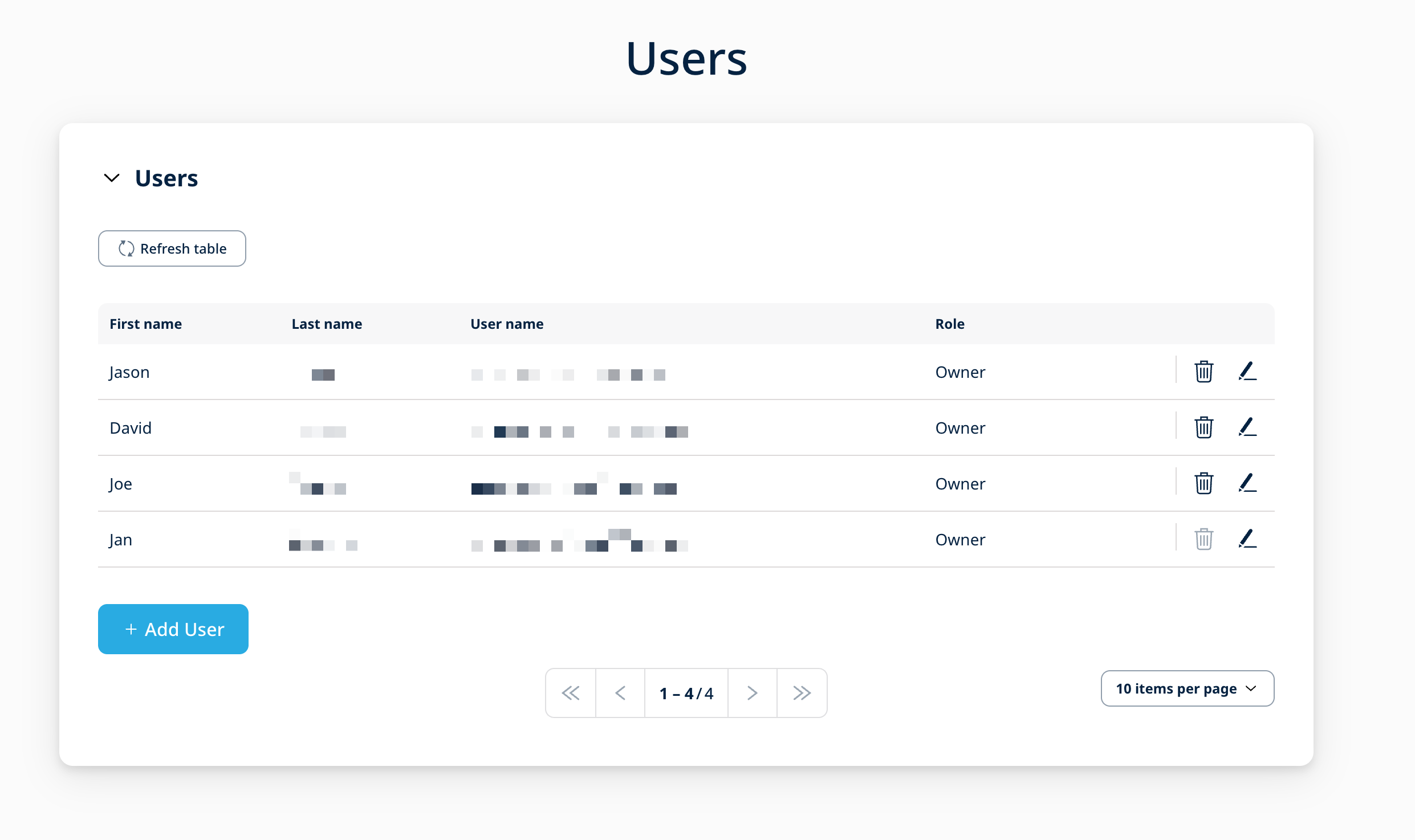
The 1NCE Customer Portal offers the option to create multiple user accounts which allows for different user roles and access rights. Authorized users can create and manage additional user accounts according to their assigned role. A general overview of all users within the 1NCE organization is available in the "Users" tab.
User Roles
The following roles for additional user accounts are available:
| Role | Description |
|---|---|
| Owner | Includes all functionalities and access to the entire organization. Can generate Management API credentials under Account → Management API Access. Can administer users assigned the Owner, Administrator, User and Read Only roles. |
| Administrator | Includes all functionalities and access to the entire organization. Can generate Management API credentials under Account → Management API Access and administer users with the Administrator, User and Read Only roles. |
| User | Can manage SIM cards in the Customer Portal, but cannot access the Shop, perform Top-Up or trigger new orders. Can administer users assigned the User and Read Only roles. |
| Read Only | User role designed to allow Read-only access to the Portal. |
User Roles Details
See the following table for an exact overview of the roles and the permissions for each component of the 1NCE Portal.
| Portal Areas | Owner | Administrator | User | Read Only | Notes | |
|---|---|---|---|---|---|---|
| Dashboard | Access Dashboard | ✅ | ✅ | ✅ | ✅ | Access to the Dashboard page |
| Data Volume | ✅ | ✅ | ✅ | ✅ | Informational section | |
| SMS Volume | ✅ | ✅ | ✅ | ✅ | ||
| Data Usage | ✅ | ✅ | ✅ | ✅ | ||
| SMS Usage | ✅ | ✅ | ✅ | ✅ | ||
| Current SIM Status | ✅ | ✅ | ✅ | ✅ | ||
| My SIMs | Access My SIMs | ✅ | ✅ | ✅ | ✅ | Access to the My SIMs page |
| View SIMs list | ✅ | ✅ | ✅ | ✅ | Informational section | |
| Export SIMs | ✅ | ✅ | ✅ | ❌ | Action | |
| View SIM details | ✅ | ✅ | ✅ | ✅ | Navigation | |
| Extend SIM | ✅ | ✅ | ❌ | ❌ | Action | |
| Top-up SIM | ✅ | ✅ | ❌ | ❌ | ||
| Auto Top-up | ✅ | ✅ | ✅ | ❌ | ||
| Change SIM status | ✅ | ✅ | ✅ | ❌ | ||
| Reset SIM | ✅ | ✅ | ✅ | ❌ | ||
| IMEI/IMEI-SV Lock | ✅ | ✅ | ✅ | ❌ | ||
| View usage | ✅ | ✅ | ✅ | ✅ | Informational section | |
| View events | ✅ | ✅ | ✅ | ✅ | ||
| Send SMS | ✅ | ✅ | ✅ | ❌ | Action | |
| View SMS history | ✅ | ✅ | ✅ | ✅ | Informational section | |
| 1NCE OS | Access 1NCE OS | ❌ | ❌ | ❌ | ❌ | Not available for NGP |
| Configuration | Access Configuration | ✅ | ✅ | ✅ | ✅ | Access to the Configuration page |
| Network settings | ✅ | ✅ | ✅ | ✅ | Informational section | |
| Monthly limits per SIM | ✅ | ✅ | ✅ | ❌ | Action | |
| Global Auto Top-up | ✅ | ✅ | ✅ | ❌ | ||
| Global IMEI/IMEI-SV Lock | ✅ | ✅ | ✅ | ❌ | ||
| Data Streams | ✅ | ✅ | ❌ | ❌ | ||
| OpenVPN Configuration | ✅ | ✅ | ✅ | ❌ | ||
| Performance | Access Performance | ✅ | ✅ | ✅ | ✅ | Access to the Performance page |
| Performance | ✅ | ✅ | ✅ | ✅ | Informational section | |
| Incident | ✅ | ✅ | ✅ | ✅ | ||
| Account | Access Account | ✅ | ✅ | ✅ | ✅ | Access to the Account page |
| Customer and User data | ✅ | ✅ | ✅ | ✅ | Informational section | |
| Shipping addresses | ✅ | ✅ | ❌ | ❌ | Action | |
| Saved payment method | ✅ | ✅ | ❌ | ❌ | ||
| Orders | ✅ | ✅ | ✅ | ❌ | Informational section | |
| Download invoice | ✅ | ✅ | ✅ | ✅ | Action | |
| Download affected SIMs | ✅ | ✅ | ✅ | ✅ | ||
| View API credentials | ✅ | ✅ | ✅ | ✅ | Informational section | |
| Generate API credentials | ✅ | ✅ | ❌ | ❌ | Action | |
| Users | Access Users | ✅ | ✅ | ✅ | ✅ | Access to the Users page |
| View Users | ✅ | ✅ | ✅ | ✅ | Informational section | |
| Edit Own User | ✅ | ✅ | ✅ | ✅ | Action | |
| Add User | ✅ | ✅ | ✅ | ❌ | ||
| Edit Owner | ✅ | ❌ | ❌ | ❌ | ||
| Edit Administrator | ✅ | ✅ | ❌ | ❌ | ||
| Edit User | ✅ | ✅ | ❌ | ❌ | ||
| Edit Read Only | ✅ | ✅ | ❌ | ❌ | ||
| Delete Owner | ✅ | ❌ | ❌ | ❌ | ||
| Delete Administrator | ✅ | ✅ | ❌ | ❌ | ||
| Delete User | ✅ | ✅ | ❌ | ❌ | ||
| Delete Read Only | ✅ | ✅ | ❌ | ❌ | ||
| Shop | Access Shop | ✅ | ✅ | ❌ | ❌ | Access to the Shop page |
| Place order | ✅ | ✅ | ❌ | ❌ | Action | |
| Support | Access Support | ✅ | ✅ | ✅ | ✅ | Access to the Support page |
| View service requests | ✅ | ✅ | ✅ | ✅ | Informational section | |
| New service request | ✅ | ✅ | ✅ | ❌ | Action | |
User Creation
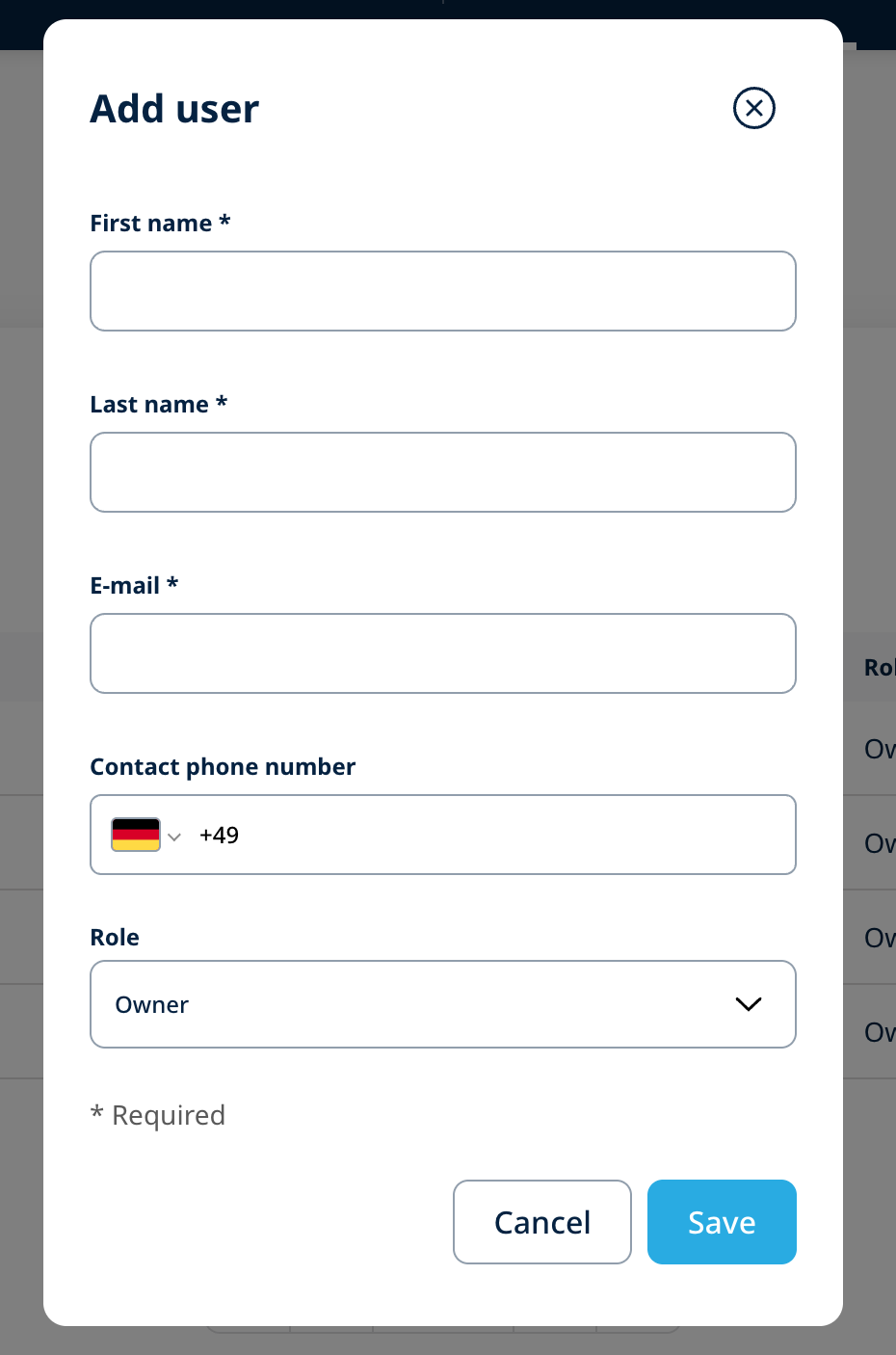
A new user can be created using the "+ Add User" button located at the bottom left of the Users section. The mandatory details depend on the type of the user that needs to be created. The e-mail address is used for the confirmation of the account as well as the login name for the 1NCE services. Customers have to make sure that the entered e-mail address is valid and can receive messages. After creating a new user an e-mail is sent to the new mail address requesting to set an initial new password for the 1NCE Customer Portal.
User Account Alteration
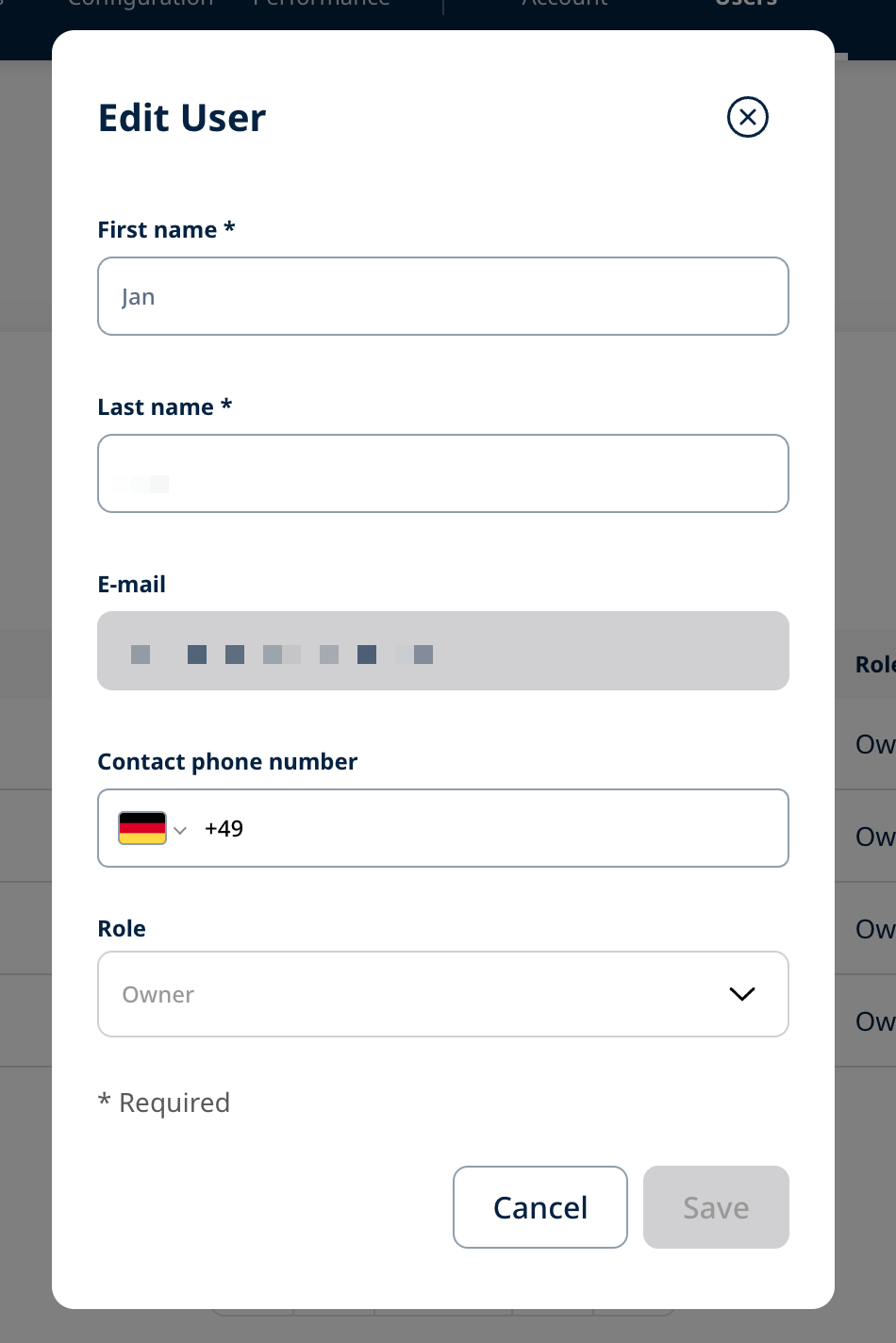
User details can be modified by clicking the edit (pencil) icon next to the corresponding user in the Users list, updating the required fields and saving the changes. Users can be deleted by clicking the trash bin icon next to the corresponding user in the Users list.